This article details how to change your Health Storylines Creator admin account password.
- Log-in to Health Storylines Creator.
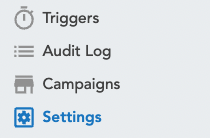
- Head over to the Manage section and click on the Settings tab.
- Within the Settings tab, click on the pencil-shaped Edit button
 next to the Password field.
- Change your password using the prompt that pops up.
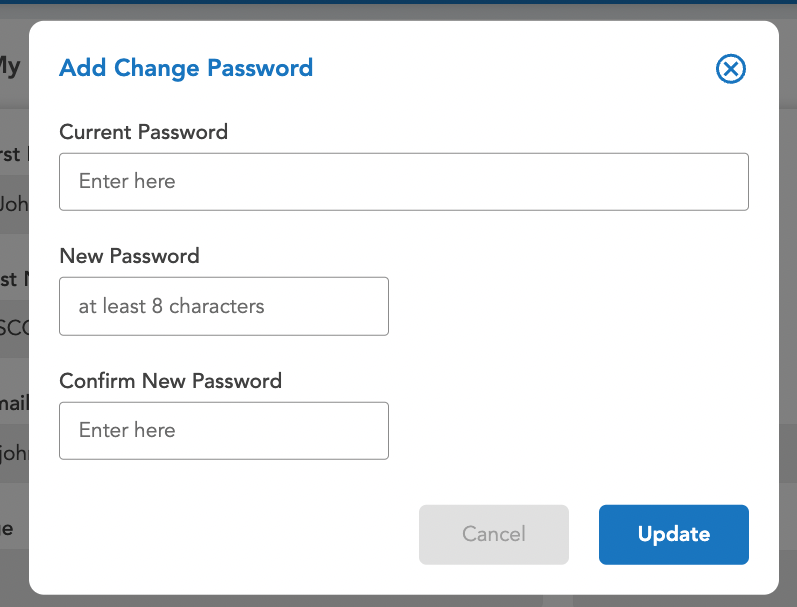
- Click on the Update button. This will save your new password.