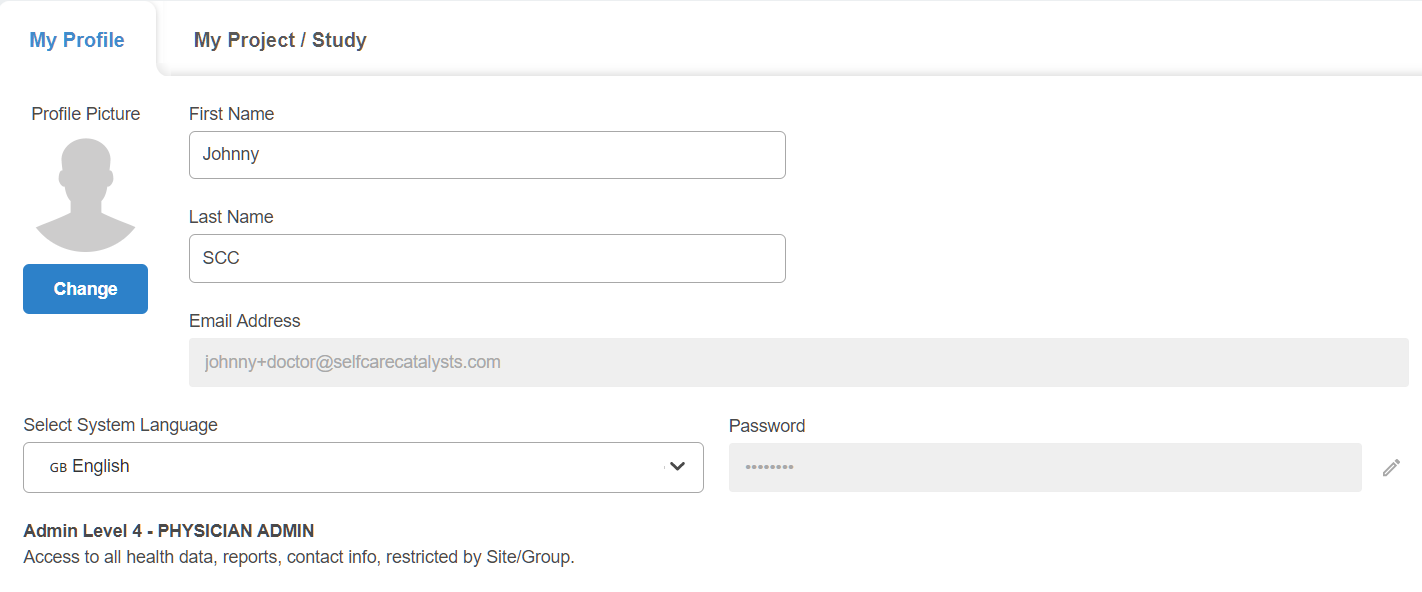
In this tab, admins can change some of their personal, identifiable information (such as first name, last name, profile picture) but are not able to change their own email, since each email is directly linked to the admin account. If a different email address is needed, a super-admin or Self Care Catalysts support member can provide a new account using a different email for a given study. The support button below can be used to ask for assistance.

Additionally, admins can use this section to change their System Language. This will change all information within Creator to the language of their choice.
Finally, admins can also view their permission level. The example below features an Admin Level 4, who has quite a bit of access to Creator but that access is restricted to specific sites and groups. See the Manage: Admins section for more details.