Within this tab, the admin can view all the appointments scheduled in a calendar view.
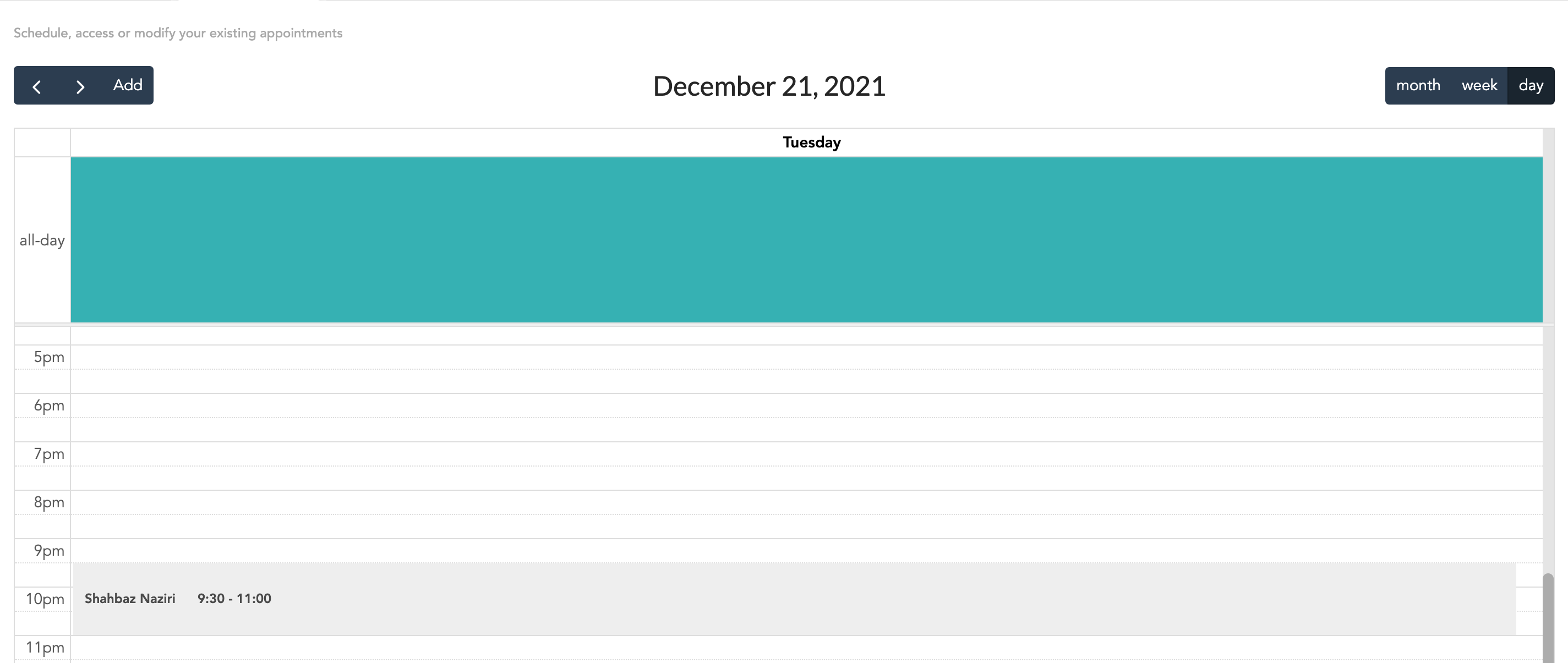
The view is defaulted to the day setting. However, it can be toggled to the week or month setting from the top right.

Additionally, admins can also move to the next day, week or month by using the arrows on the top left.

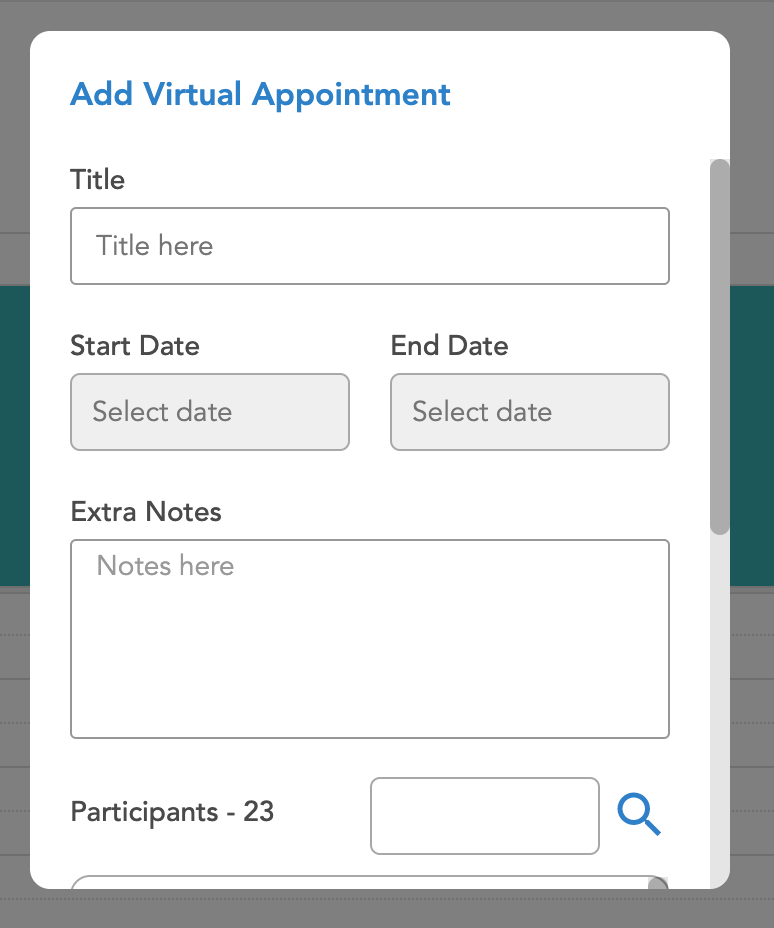
There is also an add button to create a new appointment. Selecting the add button, opens a window allowing the user to add the details of the appointment.
The admin can also hover over the appointment. The option to start the call, edit the appointment or remove it becomes visible
