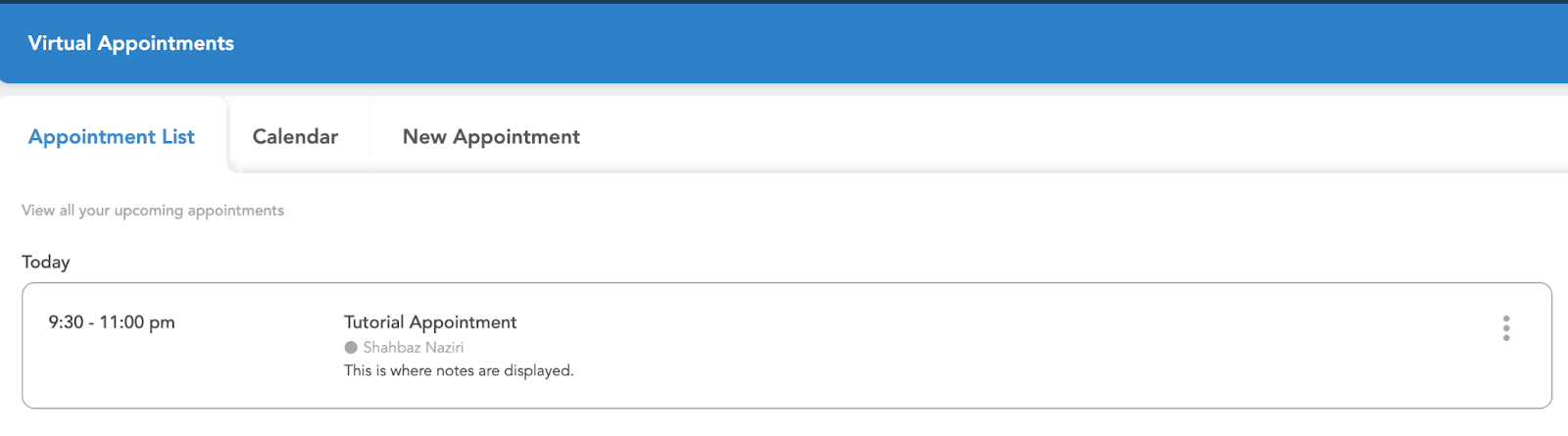
This tab allows admins to view and edit existing appointments. The list displays the date, title, participants, and any notes pertaining to the appointment.
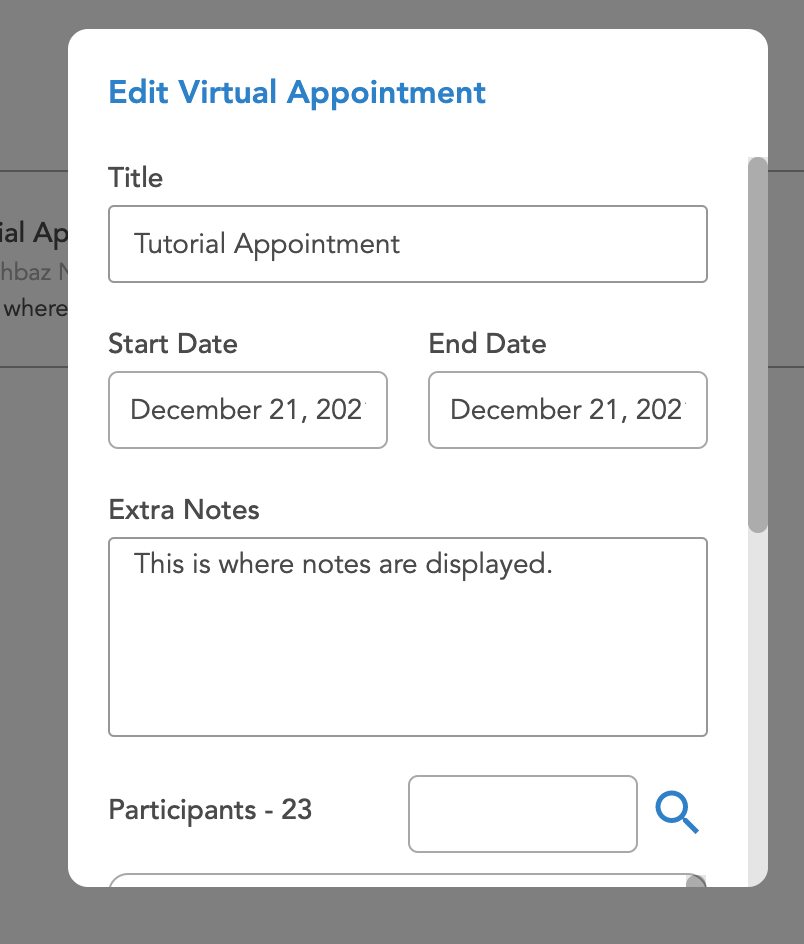
To edit any existing appointments, the user can click on the three dots. Once those are clicked, a pop up appears that gives the admin the option to edit or remove the appointment. If the edit option is selected, a window appears that allows the admin to change details of the appointment.