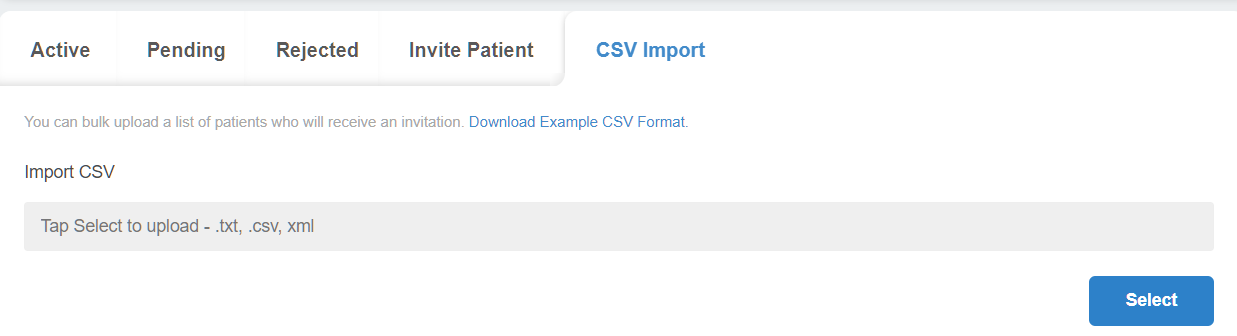
The CSV import tab lets you upload many patients at once using a CSV file instead of inviting them one after another via the Import Patient tab.
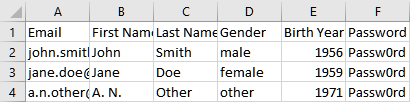
An example of how the patient information should look is shown below, using a sample CSV file opened in Microsoft Excel. Each row below the first represents a patient that will be sent an invite as soon as the file is imported to Health Storylines Creator.
The fields required to add each patient, listed as columns, are as follows:
-
Email
-
First Name
-
Last Name
-
Gender
-
Birth Year
-
Password