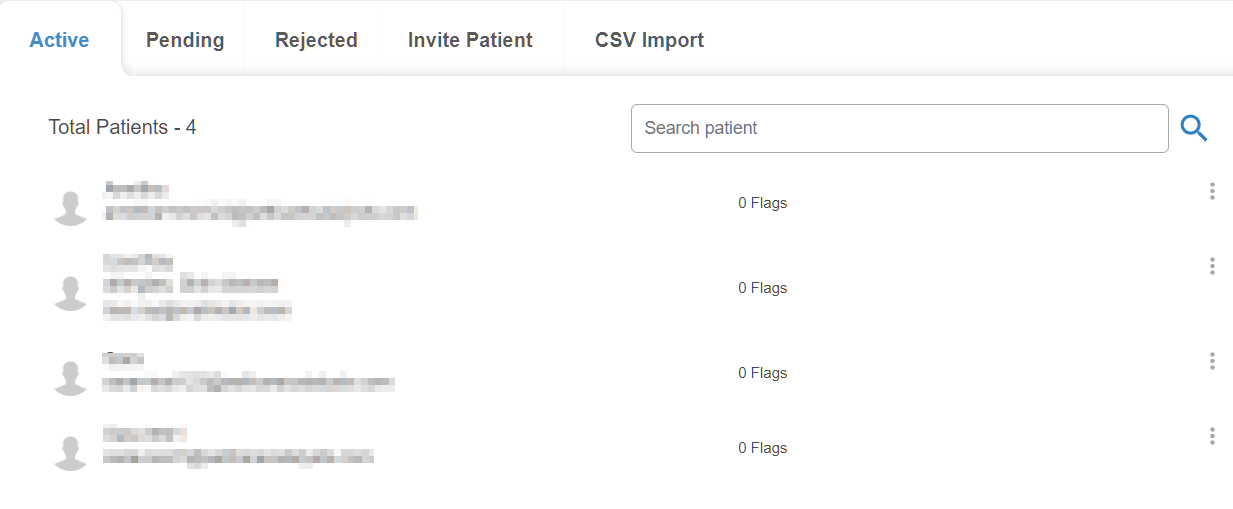
This tab contains a list of all currently active patients within the study. Each patient’s name and email (blurred in this screenshot), as well as any potential spam flags, are listed below.
Clicking on the three dots next to a patients name allows you to delete a patient from the study. Clicking on the 'Delete' option prompts an additional popup box to confirm removal of the patient, and as such popups should be allowed for Creator on the browser for this to function properly.