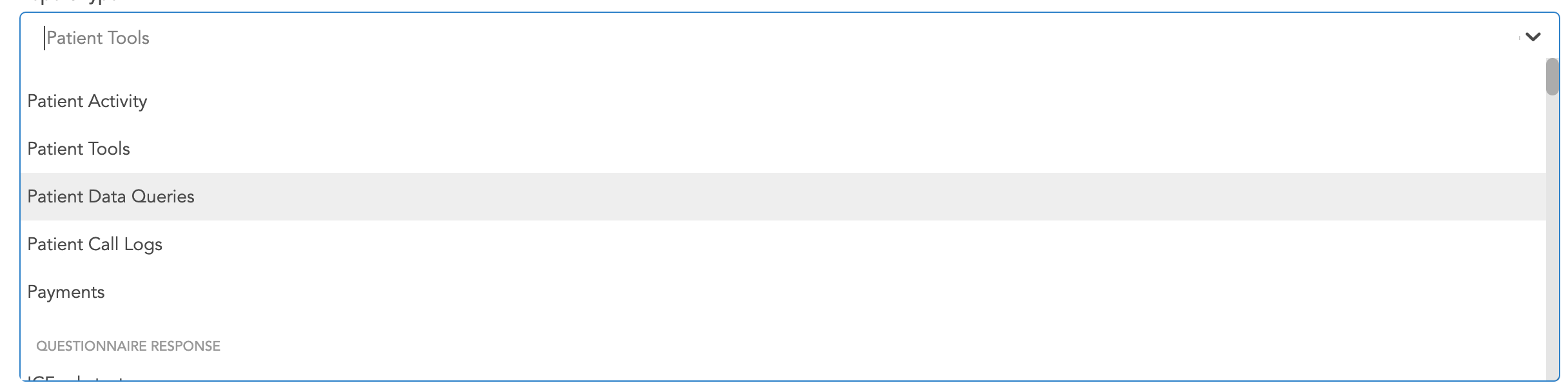
This tab contains reports pertaining to tools, surveys, call logs, and more. Some of the most important reports in this section include the Patient Activity Report, Patient Tool Report, Call Log Report, and the Data Query Report. Apart from these, reports for any of the surveys added to the study can also be downloaded from here. However, there are more options available for those in the Download Questionnaire Reports tab.
The first field available when the user arrives at this tab is the report type.

Once the user clicks on the field, a drop down appears allow them to pick from the array of reports available. Please note that the reports available will depend on the admin level that is logged into the company (link to admin page)
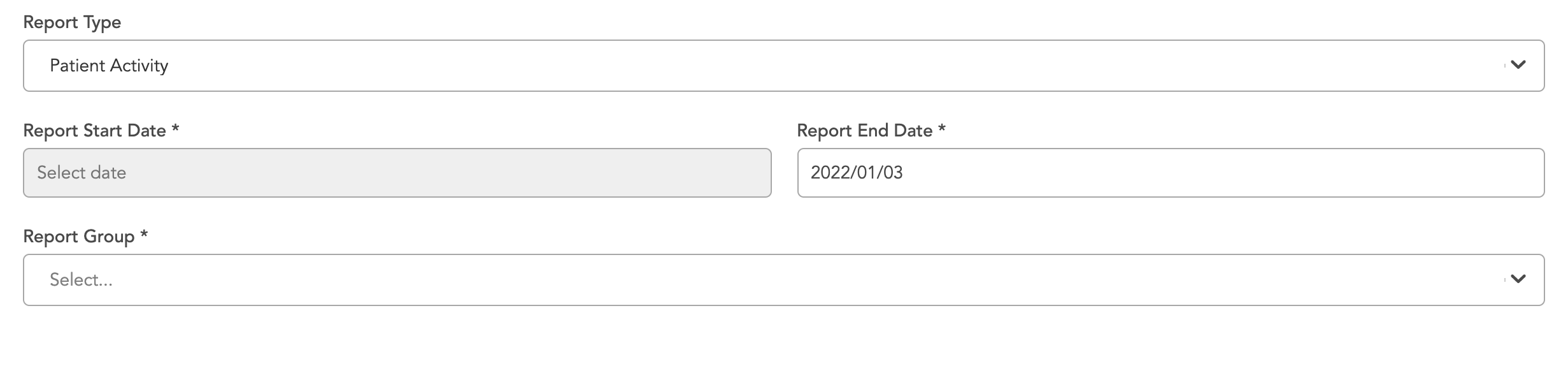
Once a report is selected, other fields become available. These additional fields are filters for the report that allow the user to select the start and end date for their report and also to restrict it to specific groups.
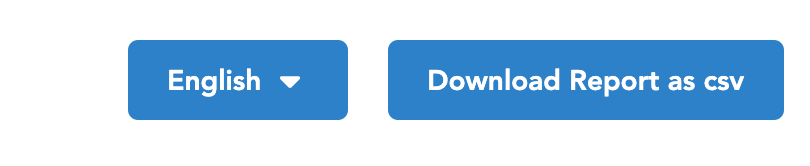
After these fields have been entered, the admin is given the option to download the report and also change its language.
Please note that for the survey report, more download format options are available.

Once the report option has been selected, some of them will download directly to the users computer while others will be available in the generated reports tab.