This tab allows admins to view all of the admins that have been created for the study/company, along with their email, name, last login, admin/permission level and any group/site restrictions that they have.

There is also a search bar located at the top of the page that allows the user to search for other admins. There is a count of the total admission located there as well.
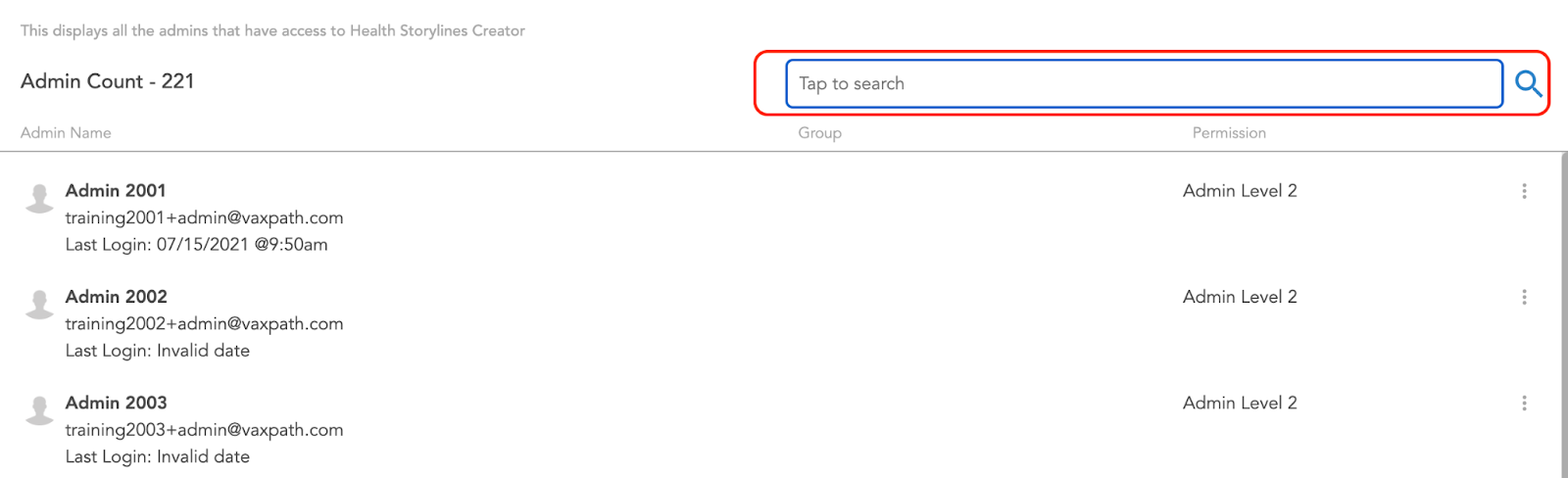
For each admin in the list, there is an options icon (the three dots) located on the right; this can be clicked to access edit options for them.
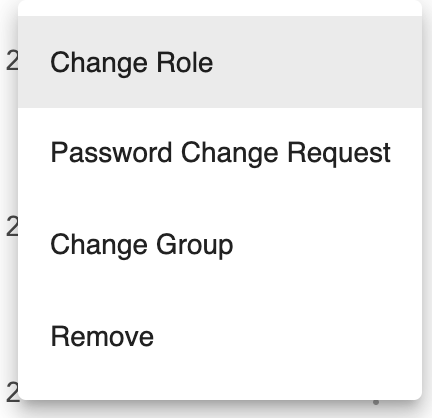
These options include changing their role (which changes the access level and permissions that are available to them), group/site, ADD PASSWORD REQUEST CHANGE STUFF, and remove them as an admin. Please note if an admin is restricted to a certain group, they will only be able to see patients pertaining to that site/group.