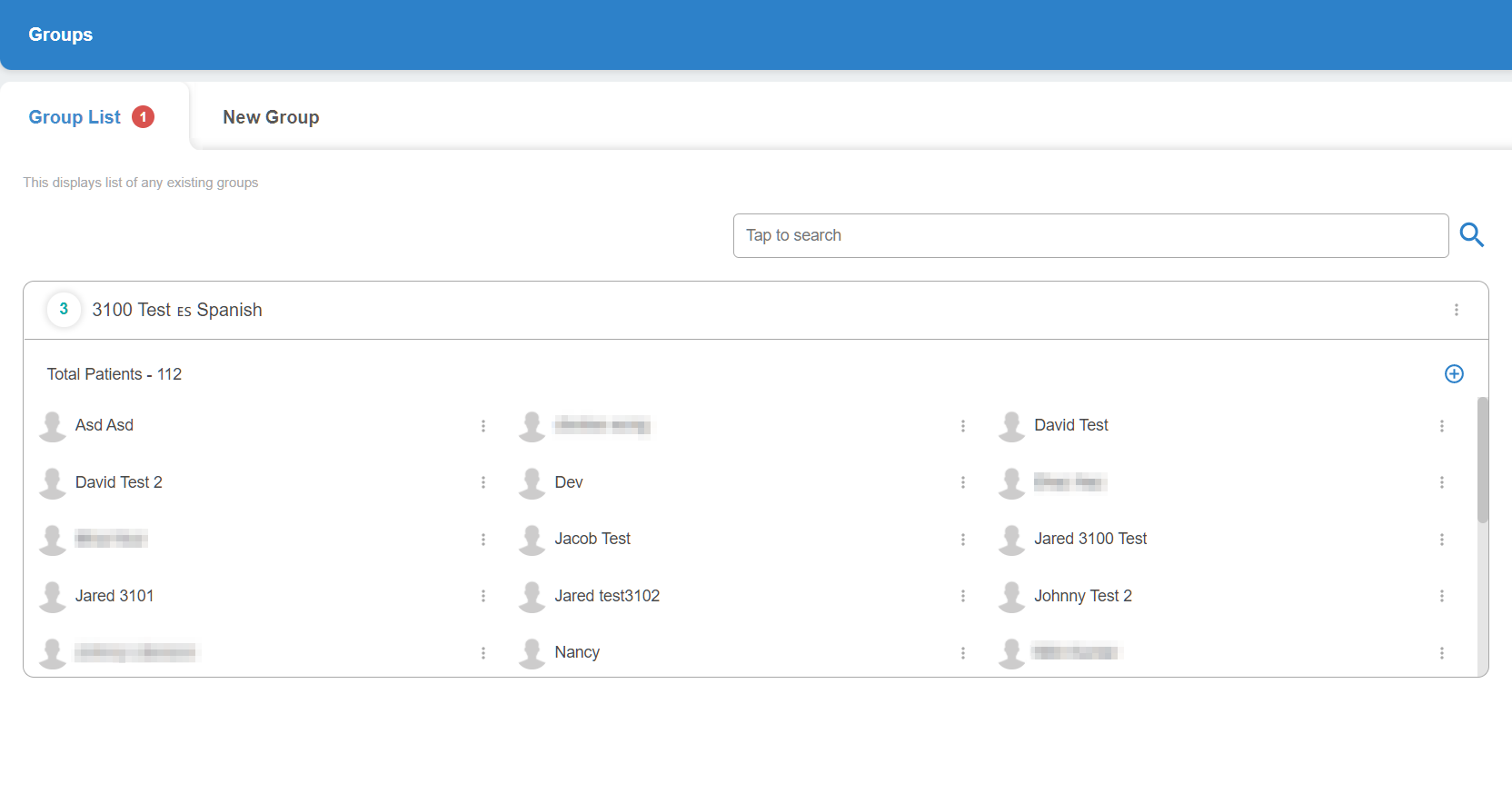
The first section of the Groups tab allows admins to see all current groups within the study, as well as which participants are contained within each group.
Clicking on the three dots next to any of the participants within a group lets you remove them from that group, while clicking on the '+' in the top-right corner allows the admin to add a new user to a group from the list of all available participants within the study.
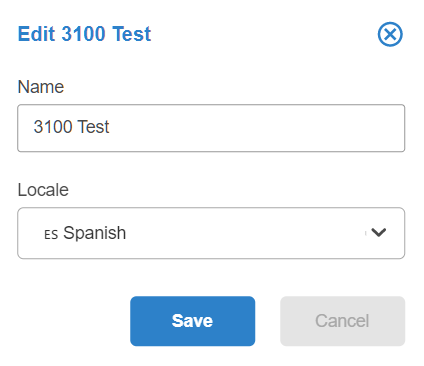
Clicking on the three dots next to the group name brings up the Edit menu, allowing the admin to change the name of the group as well as the language locale.